 Slides Auditorium
For Google Slides
Your deck,
on a real stage.
One click turns your slides into a 3D auditorium. Rehearse to a full house before you face the real one.
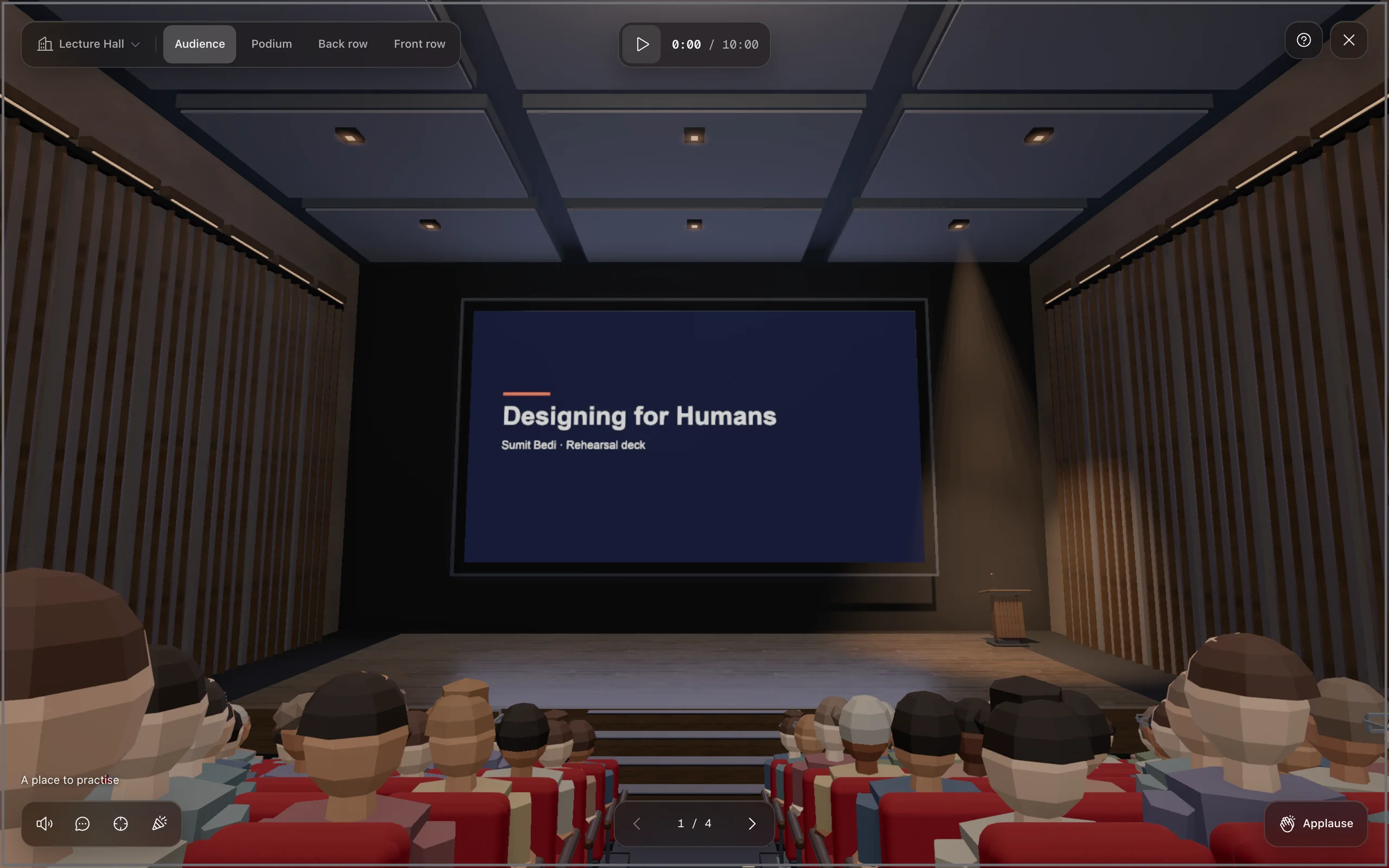
- 1Open any deck
Any Google Slides presentation you can open, from any of your accounts.
- 2Click Auditorium
It sits right next to Slideshow. Or press ⌥⇧A.
- 3Give the talk
←→ through your slides. Esc drops you back in the editor, on the slide you were on.
The hall
Rehearse from
every seat.
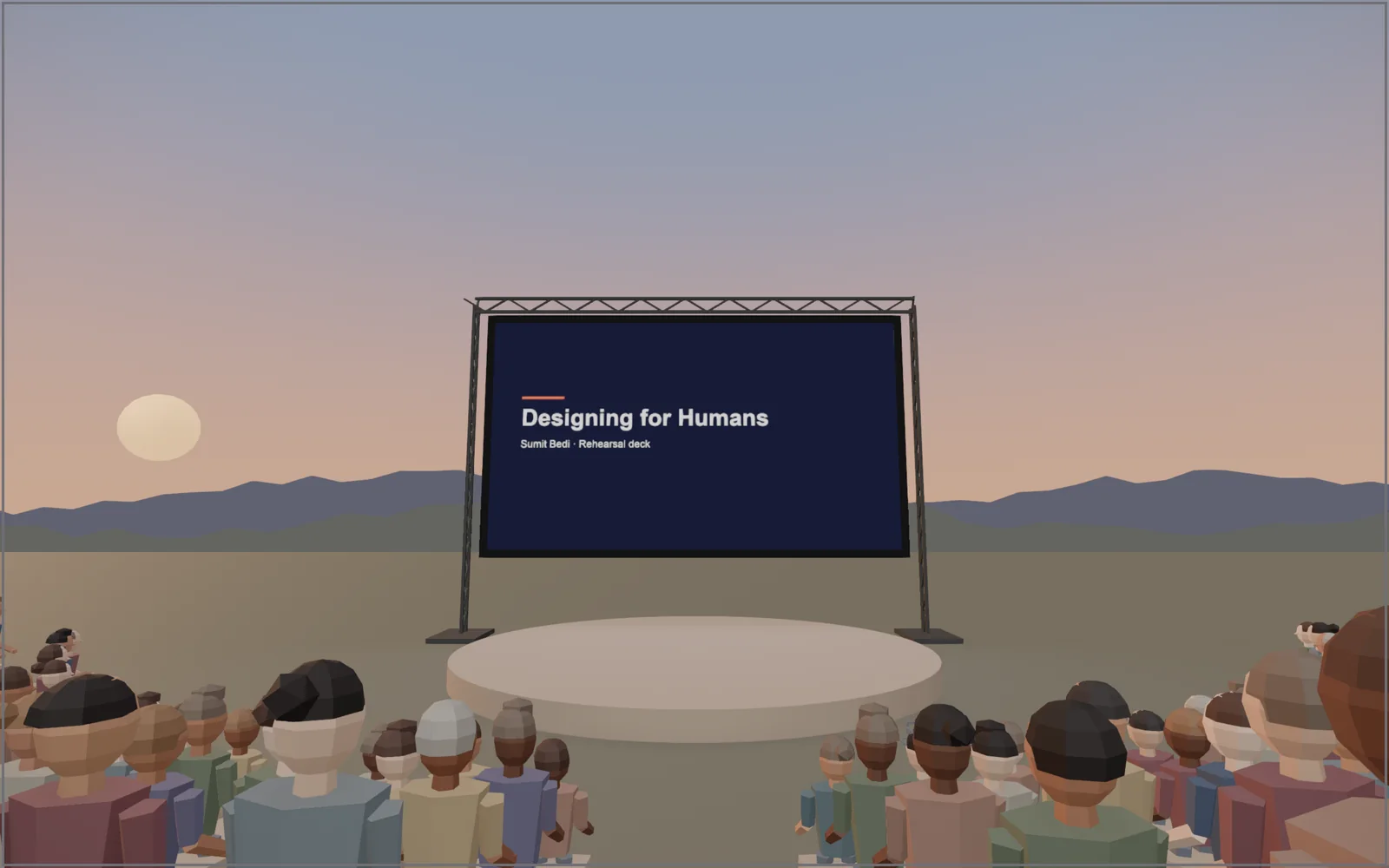
Stand at the lectern and look out at the rows. Then sit in the back and check what people can actually read. Drag to look around, scroll to zoom.
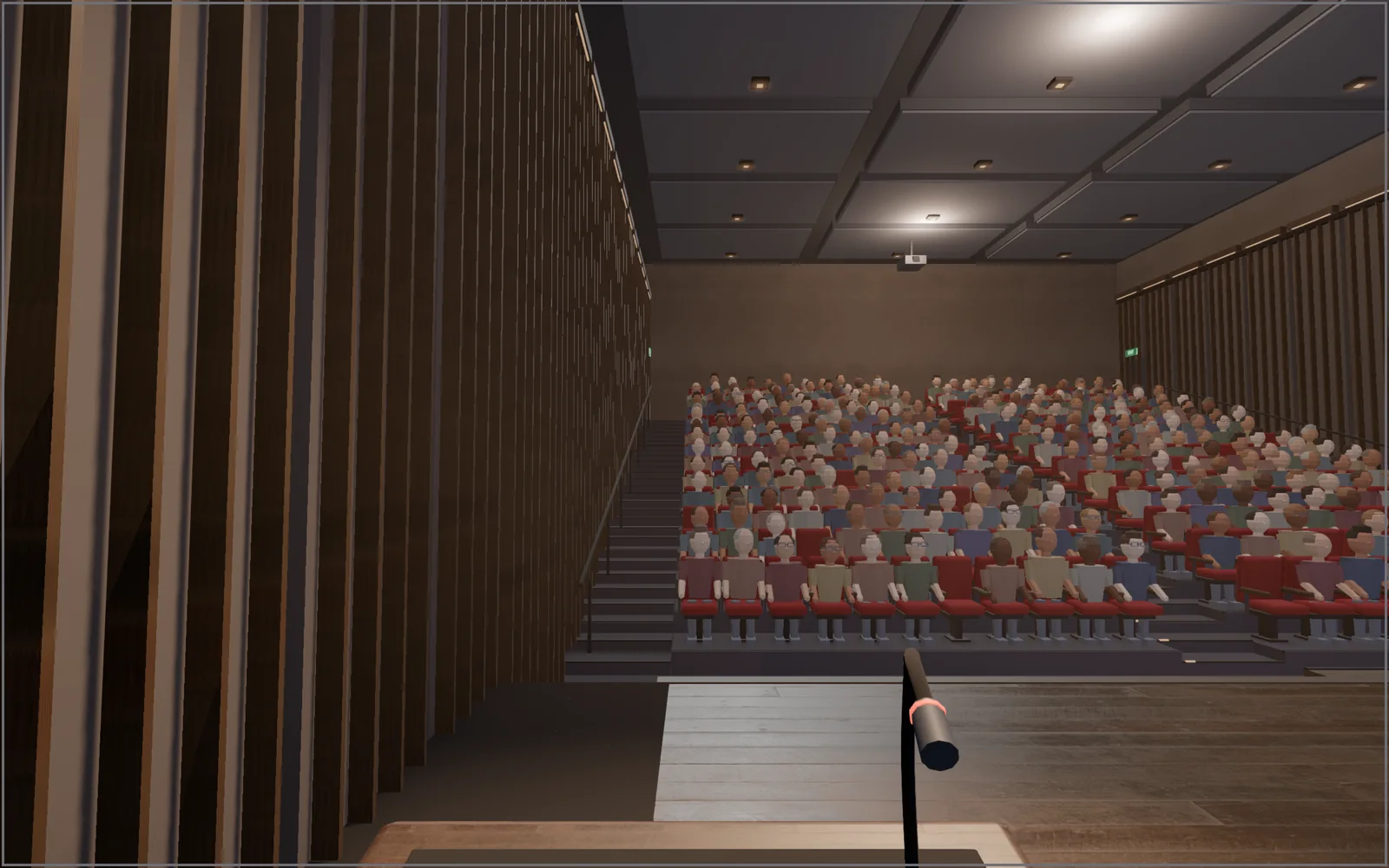
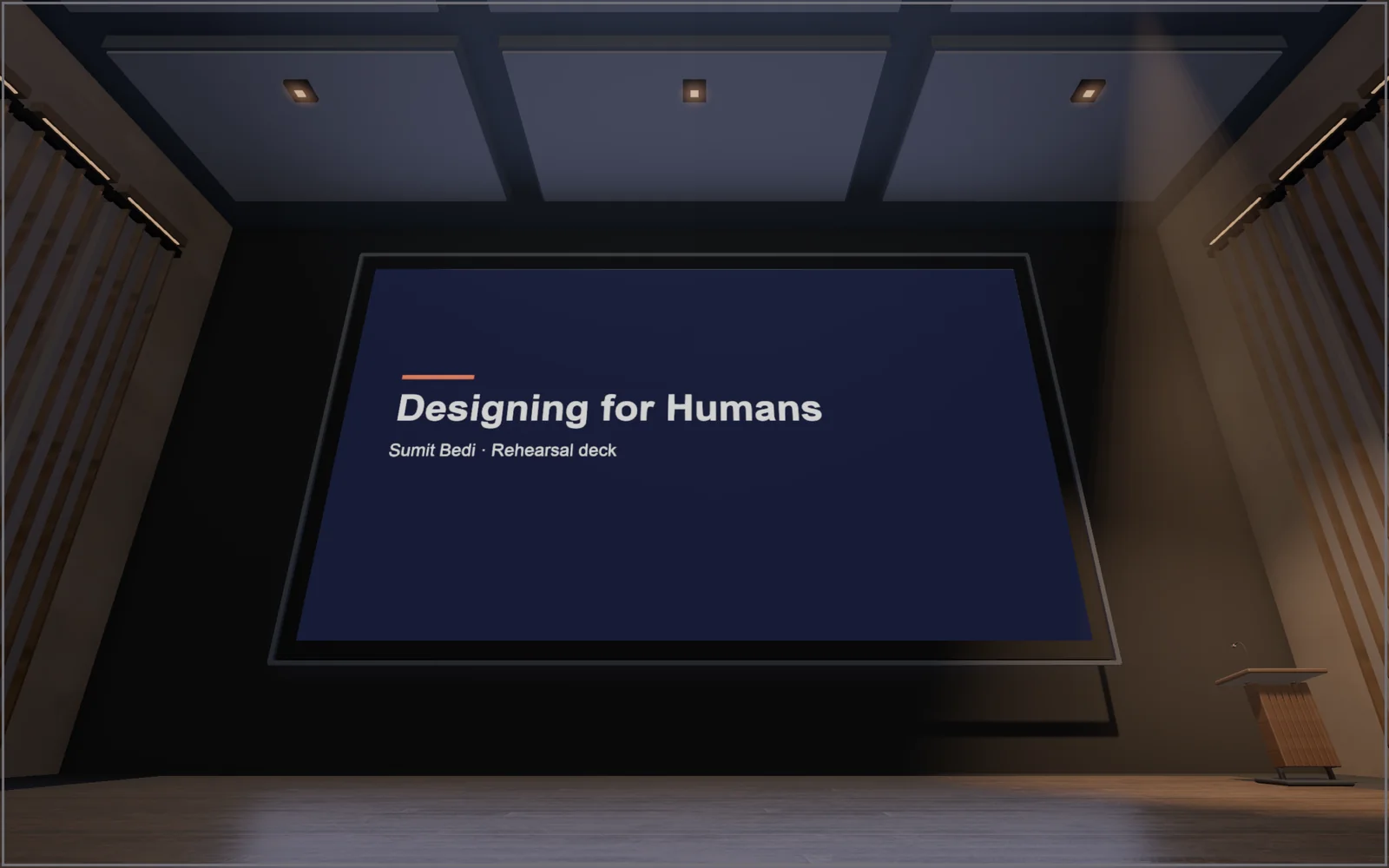
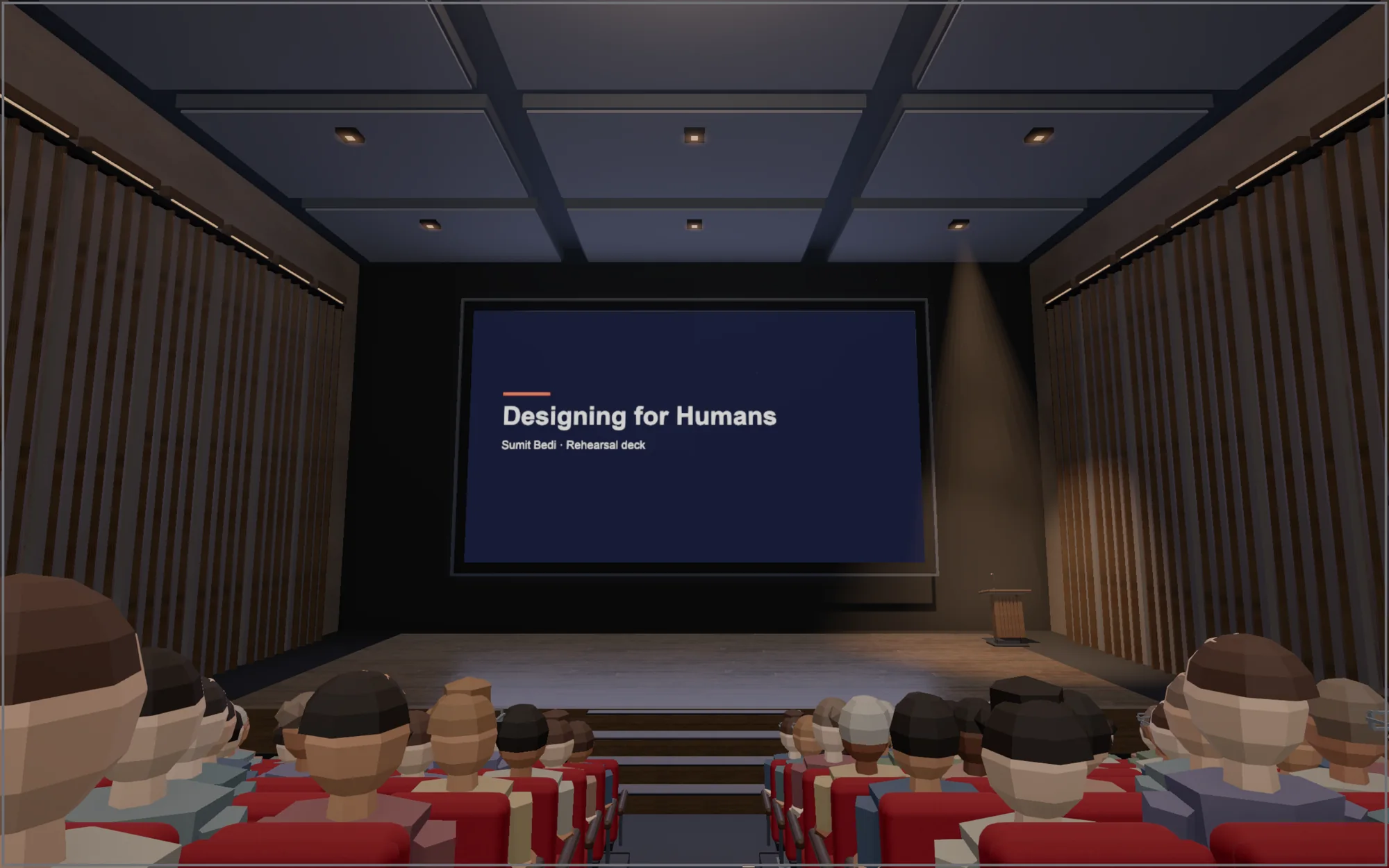
Your real slides, not a copy. Google's own slideshow plays on the big screen, so builds, transitions, video and fonts are exactly what you'll present. Nothing is uploaded anywhere.
Pro
Fill the house.
The empty hall is free forever. Pro brings the crowd, the noise and the nerves, so the real thing feels familiar.
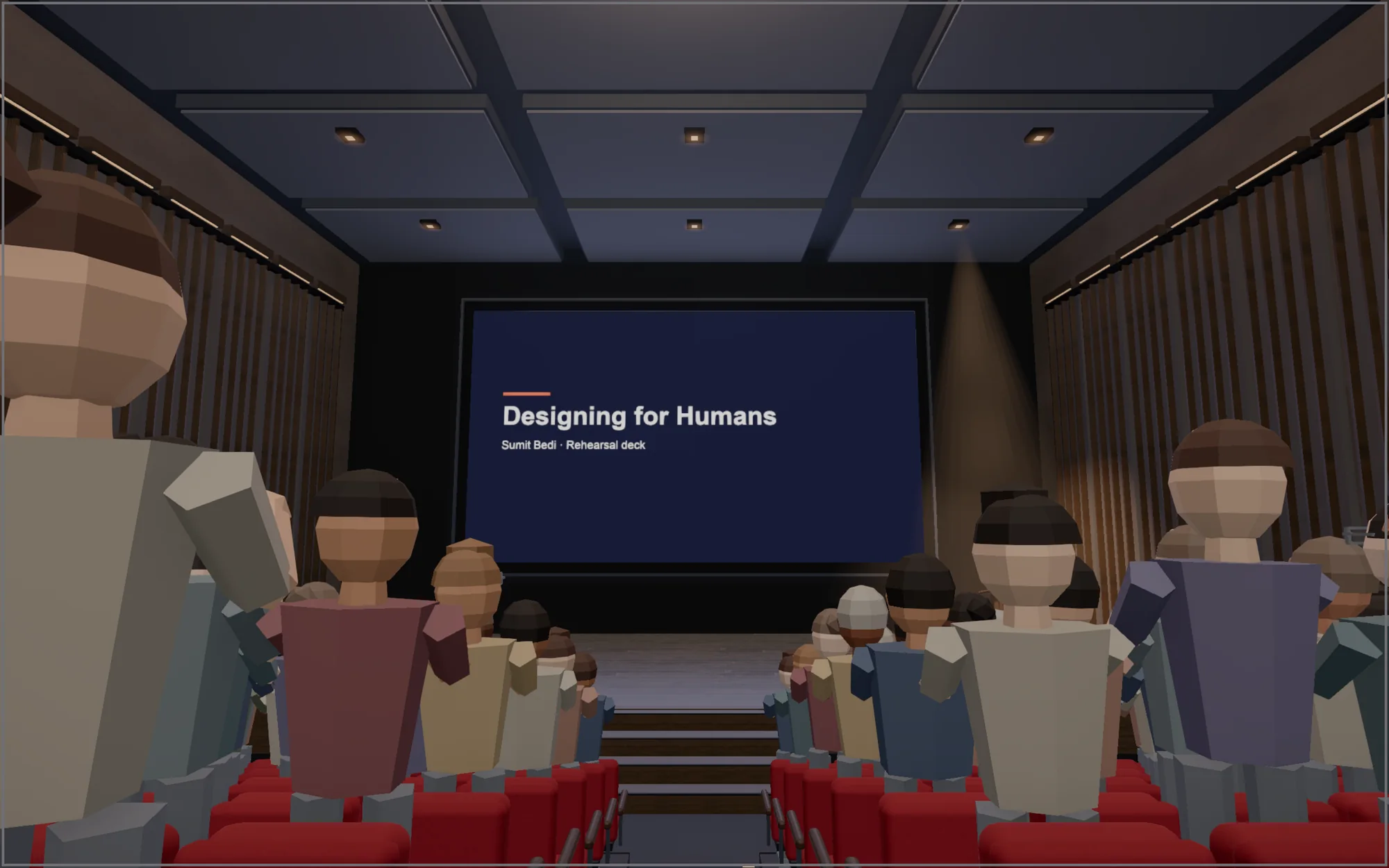
- A full house
- Hundreds of people in every seat, glancing at your slides and leaning in.
- Applause and reactions
- Hold C for applause. Laughter, ooh, cheers and a standing ovation on 1 to 6.
- Q&A drill
- A hand goes up mid-talk with the question you dread. Add your own.
- Nervous mode
- A phone rings. Someone walks in late. Practise not losing the thread.
- Rehearsal timer
- Set your slot, see the countdown at the podium, get time per slide after each run.
- Finale and laser
- Confetti and the house lights up when you land the last slide. A red laser dot for the run.
Five venues
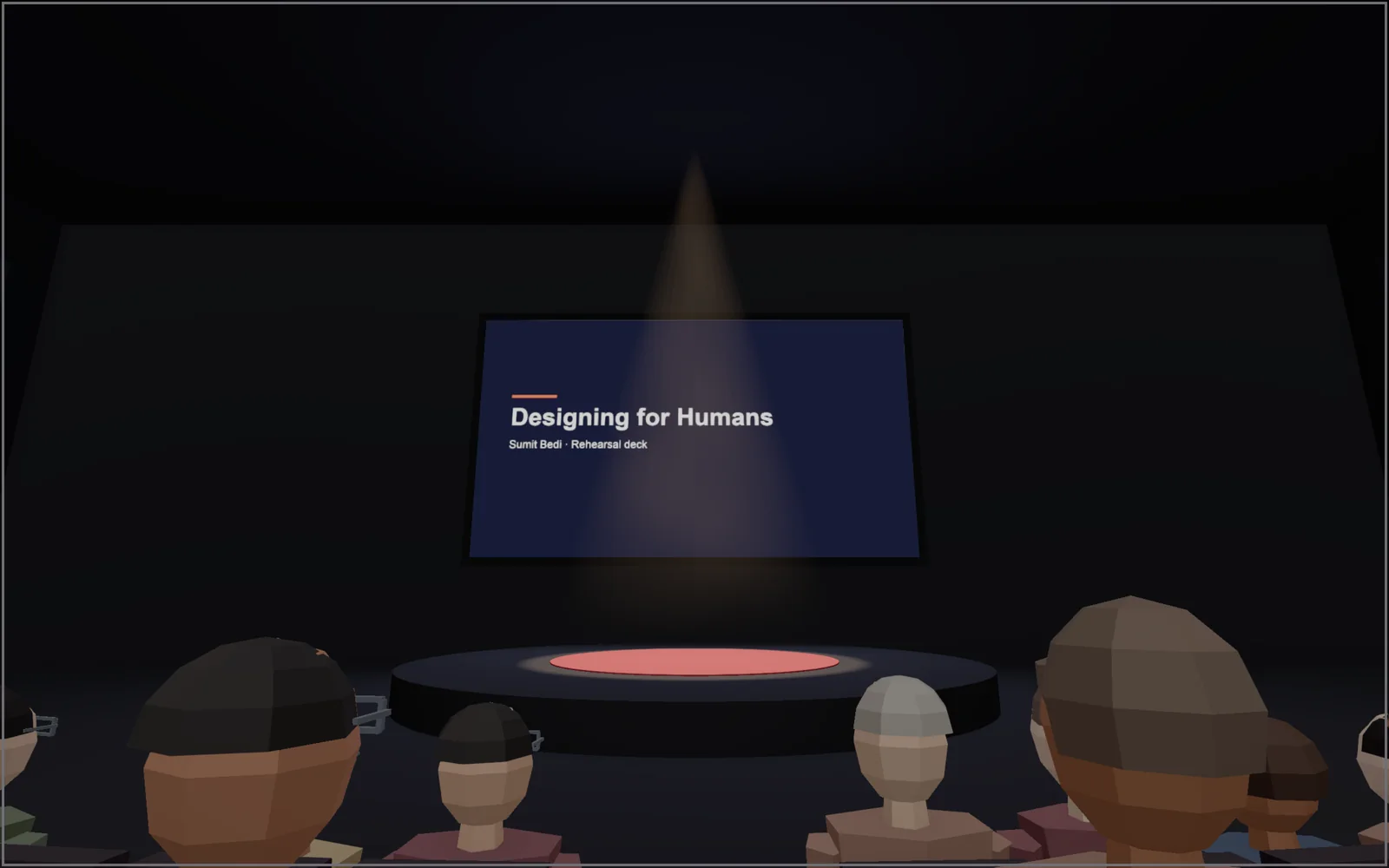
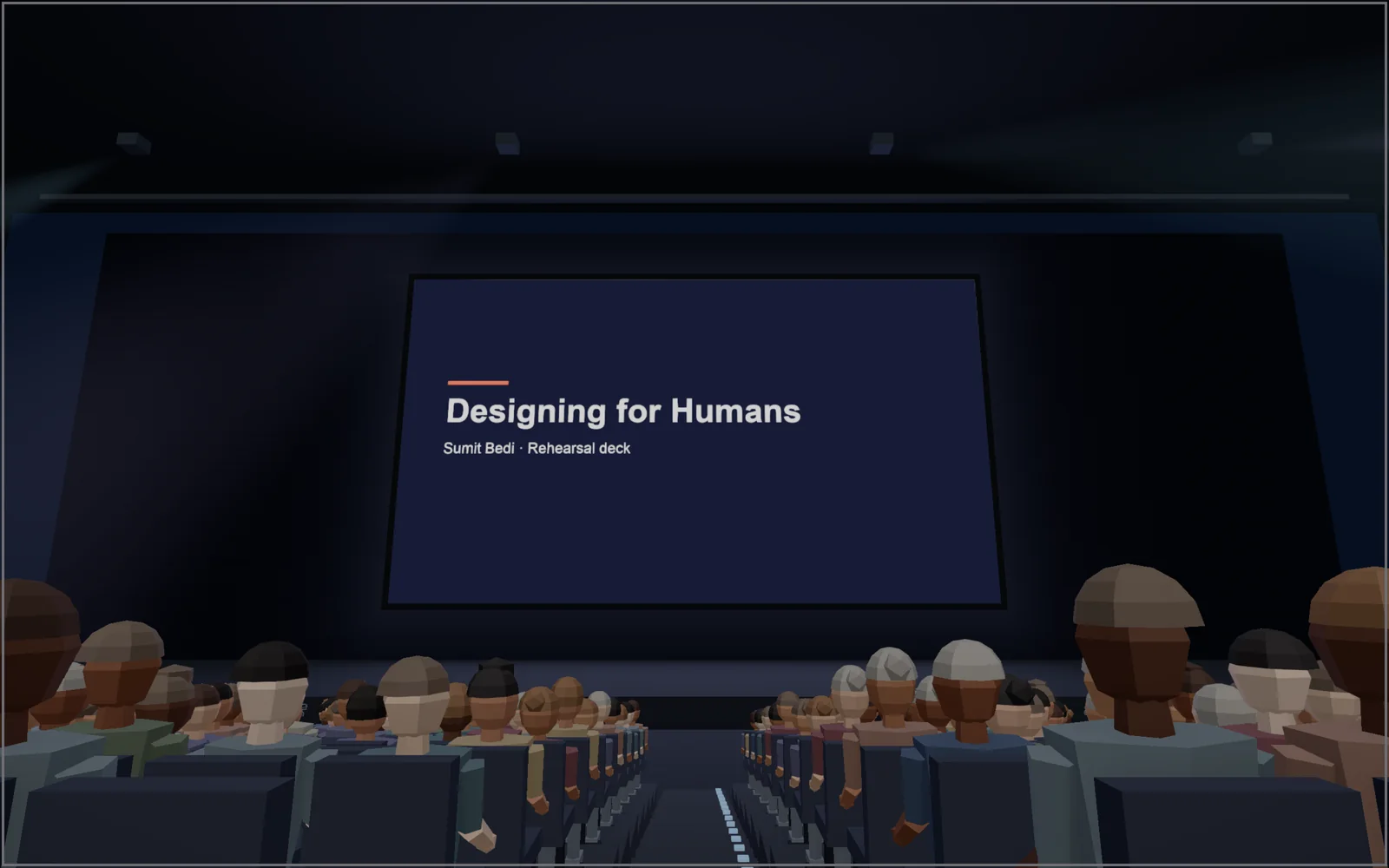
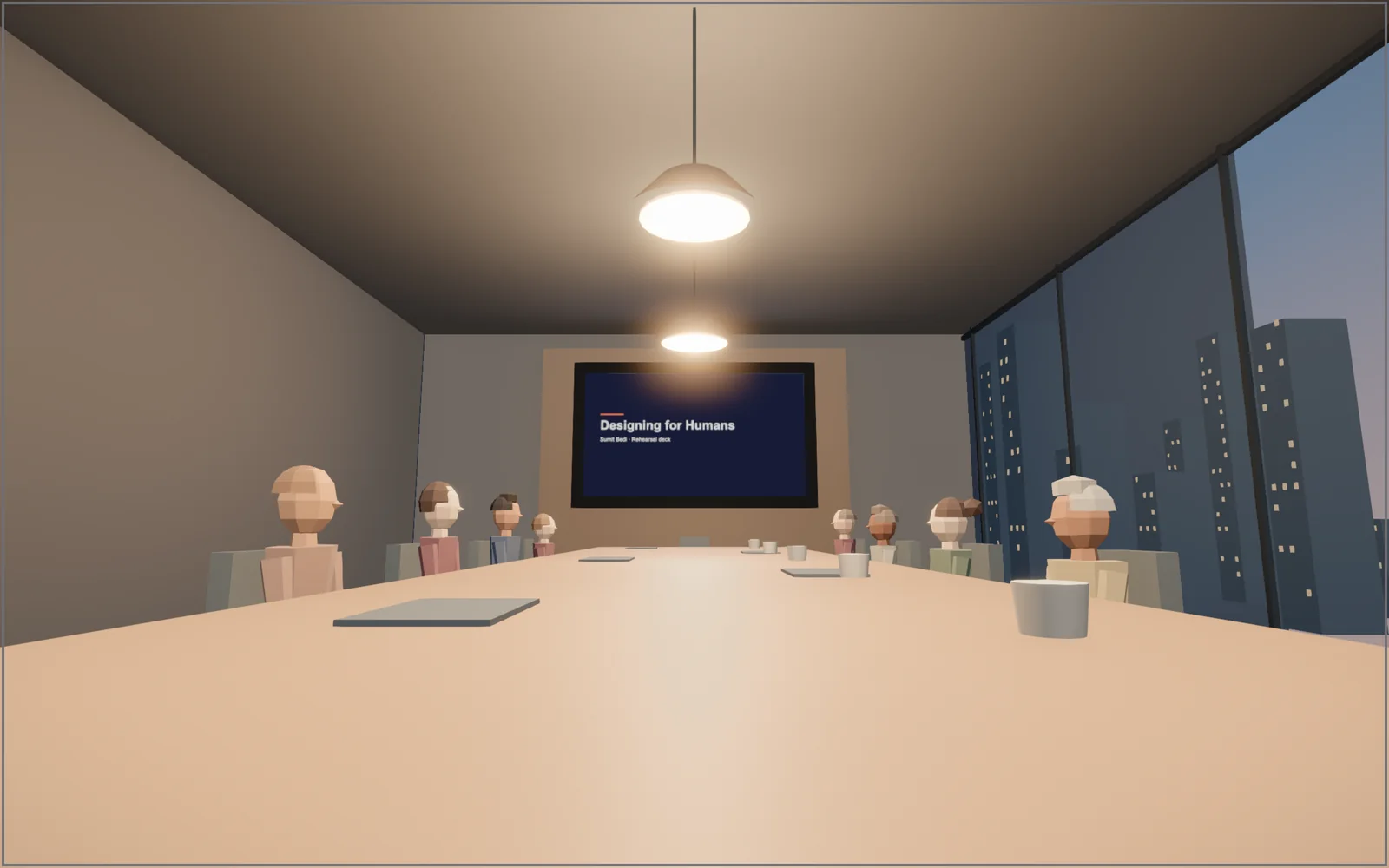
Pro
$5one time
Everything above. No subscription, no account, yours to keep. Your licence key arrives by email: paste it into the hall and the crowd walks in.
Get ProQuestions
How do I unlock Pro after paying?
Your licence key arrives by email right after checkout. In the hall, click Go Pro at the bottom left, paste the key and press Activate. It works on up to three of your computers.
Is it a subscription?
No. You pay once and keep Pro, including future updates.
Do you see my slides?
No. The hall runs in your browser. Google shows your slides as it always does; nothing is uploaded to us. The only thing that leaves your computer is the licence key check with our payment provider. See the privacy policy.
Which computers and decks work?
Chrome on a laptop or desktop, with any Google Slides deck you can open, including decks from a second Google account. Hardware graphics recommended; there is a Low quality setting for older machines.
Refunds?
If it doesn't work for you, ask within 14 days and we'll refund you. See terms and refunds.